
Pop-up templates and paper mechanisms
Choose a complete scene, study one basic fold or use a designer to prepare your own artwork. Preview the structure, then open it in the workbench.
Opening angle describes the template’s default page position.
8 items
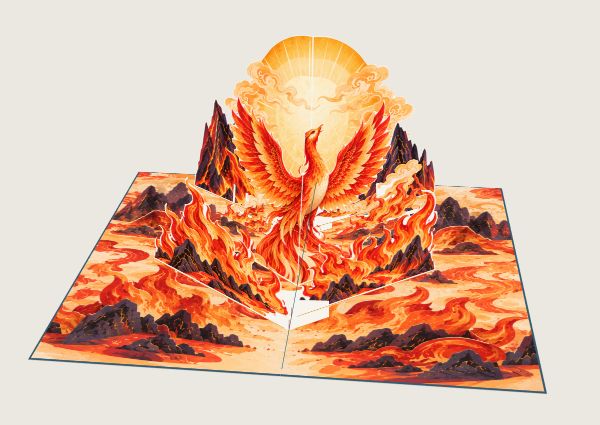 Scene template
Phoenix Rising↗
A layered pop-up scene with a sun, mountains, fire clouds and a phoenix. Includes artwork and connected folds for a 180-degree opening preview.
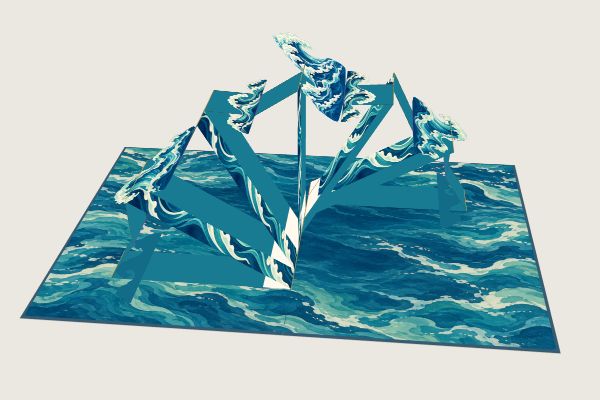 Scene template
Layered Waves↗
A sea backdrop and several wave layers unfold together. Explore the original artwork and connected paper assembly in the workbench.
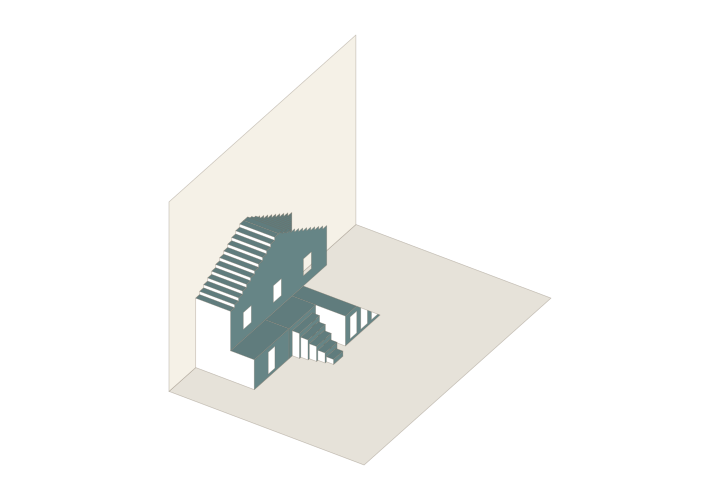 OA · 90°
OA Gabled House and Stairs↗
An experimental origamic architecture model with a segmented roof, door and window cutouts, offset platforms and five nested steps.
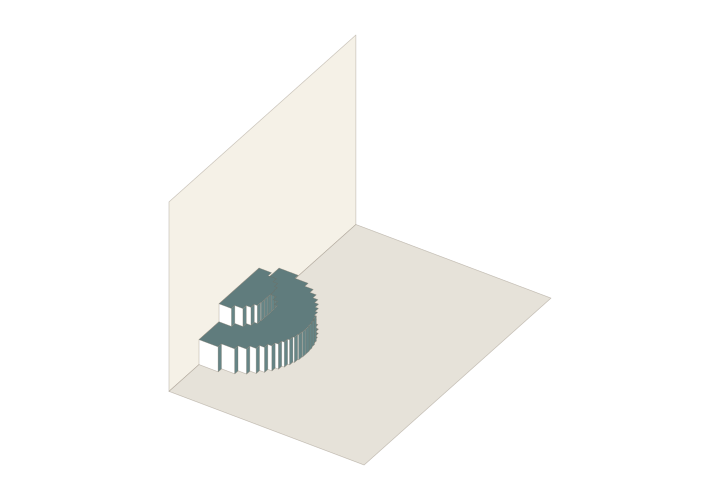 OA · 90°
OA Two-level Curved Stage↗
An experimental continuous-paper stage with upper and lower levels and segmented curved facades. Adjust its height and depth.
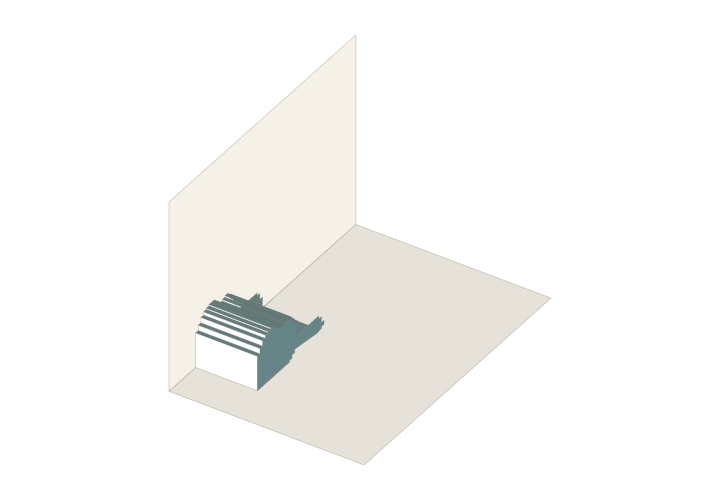 OA · 90°
OA Raised Profile↗
An experimental profile editor: enter a contour in millimetres and a projection depth to build a continuous facade with segmented connectors and a FOLD export.
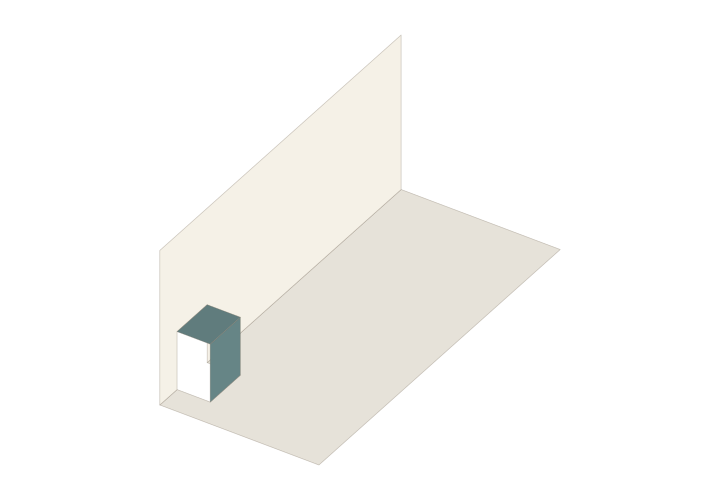 OA · 90°
OA Single Step↗
Cuts and folds in one sheet form a horizontal tread and a vertical riser. The template opens to a 90-degree display position.
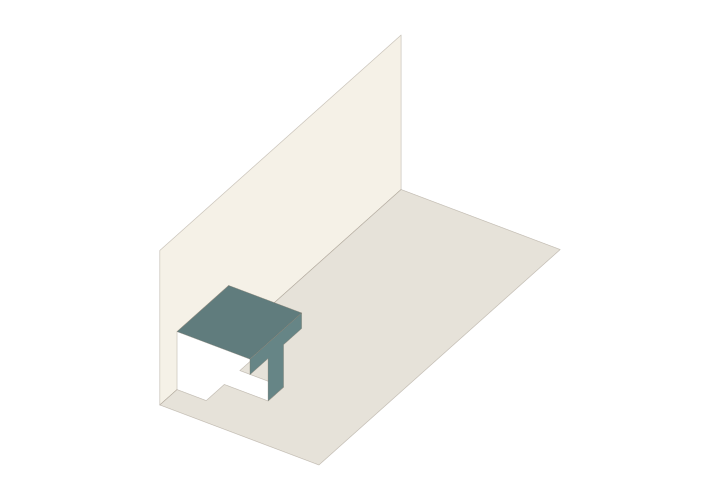 OA · 90°
OA Letter T↗
A continuous paper surface forms the letter T. Preview how the cut-and-fold letter moves with the book pages.
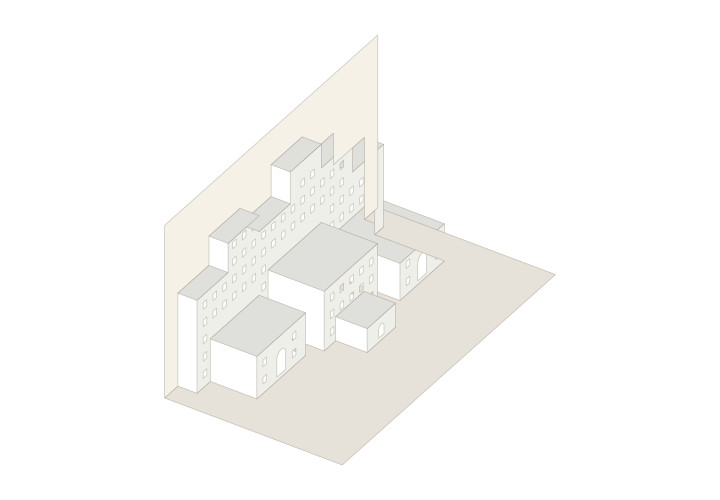 OA · 90°
OA Continuous City↗
Several rows of building facades and roofs rise from one sheet, with door and window cutouts and a 90-degree display position.
Questions you may have
Should I choose a scene, basic element or designer?
Choose a complete scene to reuse a composition and change its artwork, a basic element to study one mechanism, or the matching designer to import artwork, define contours or configure a structure. Each detail page describes its type and starting pose.
What do the 90° and 180° template labels mean?
They describe the template's default page-opening position, not an angle inside the paper pattern. A 90° parallel structure may lie down when the pages open flat. Check closed and intermediate states in the workbench as well.
Is a template detail page a ready-to-print file?
Detail pages introduce editable structures or designers. Open the matching project, check dimensions, layout and export access, then use its available export options. Separate tutorial practice files state their format and printing requirements in the lesson.