02 · MADE FOR YOU WITH AI
Your story
holds the pen
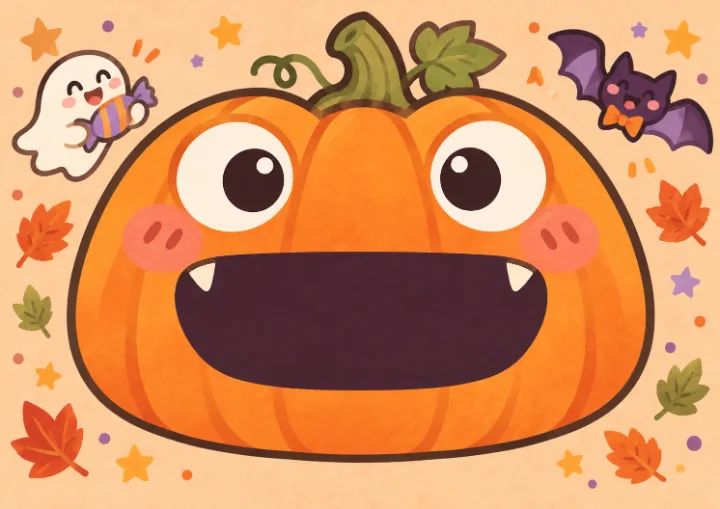
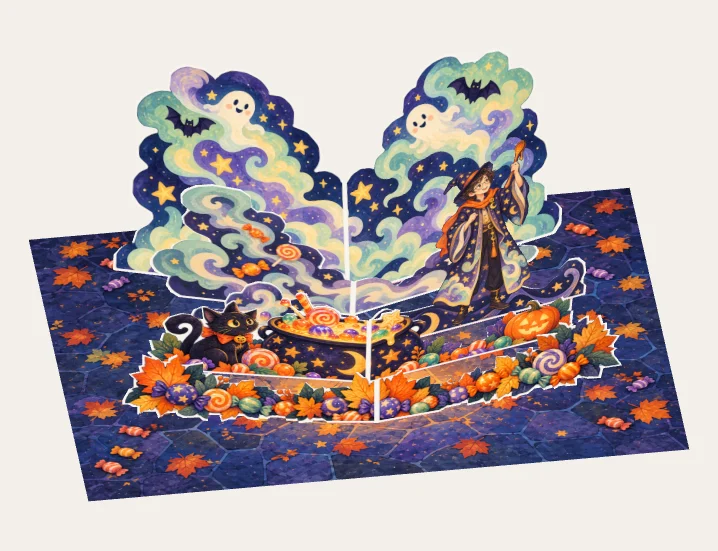
Add your character and make the story your own
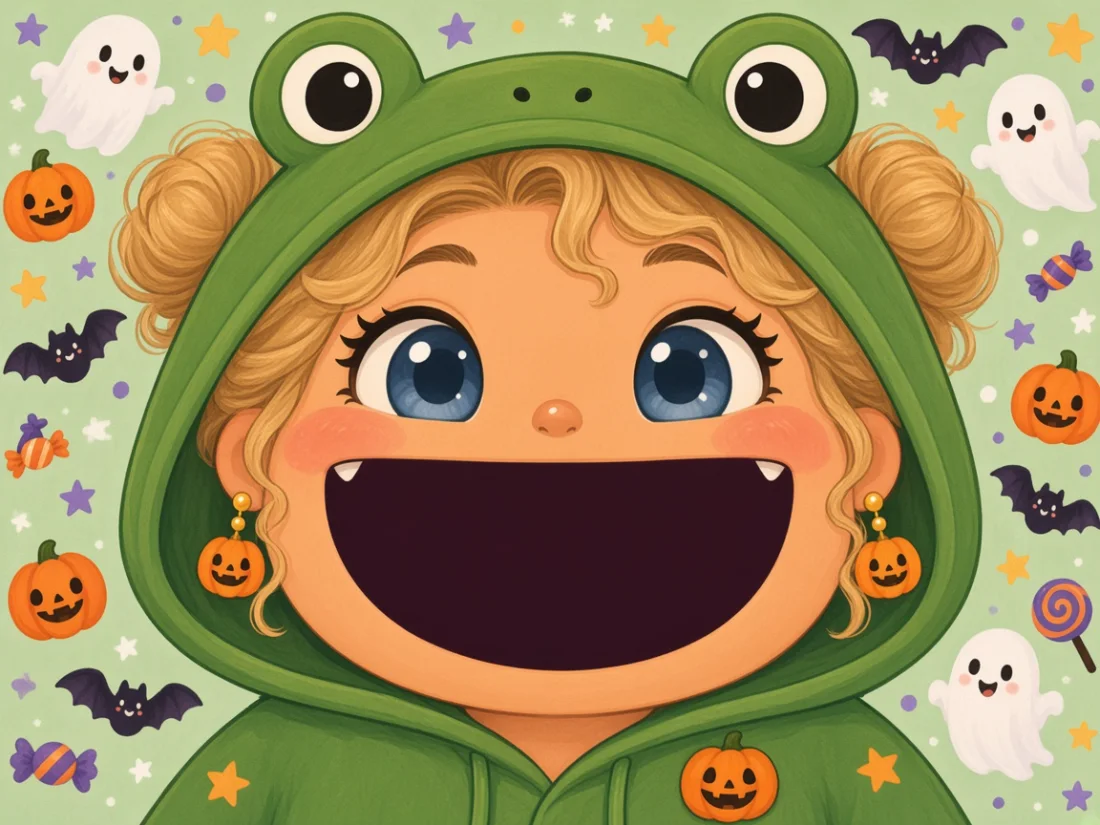
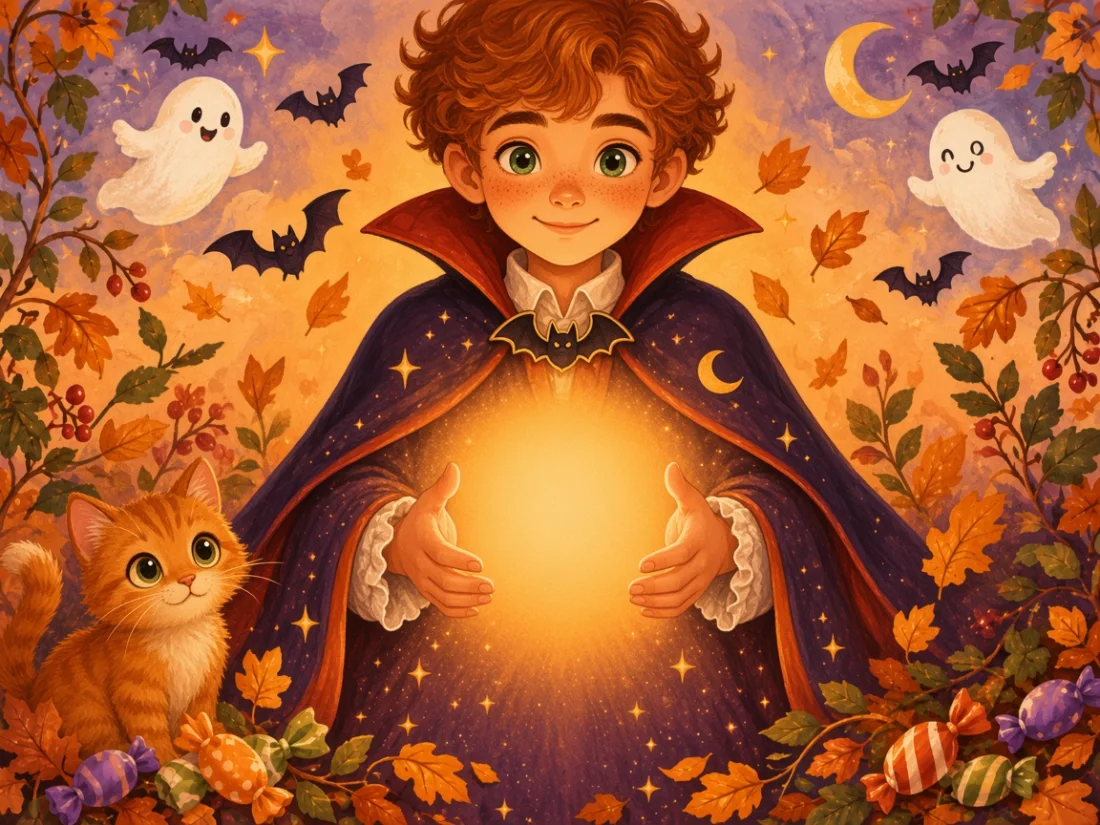
Example artwork shown · Create your version in the editor
PAPER · STORY · FORM
A free tool for pop-up learning and designPick a template, add your images, see it unfold in 3D
Free editing and previews · Pay as needed for AI and personalized exports
02 · MADE FOR YOU WITH AI
Add your character and make the story your own
Example artwork shown · Create your version in the editor
03 · ONLINE STUDIO · MECHANISMS
V-folds, pop-ups, one-sheet OA, floating platforms, slotted forms… The workbench solves real fold geometry live: drag a parameter and watch it open, nothing to install. Cards open as they reach the centre; click one to try it.
Two glue lines straddle the spine and lift a paper form as the pages open. A place for your main character.
Two planes meet above the spine, forming a ridge as the book opens flat.
Two V-folds rise at different depths, like the scenery of a miniature stage.
Cut and fold a single sheet: a row of buildings stands up as the pages reach 90°.
A centre fin and two side walls form parallelograms that hold the folded platform level.
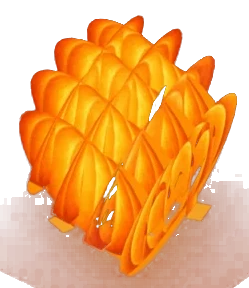
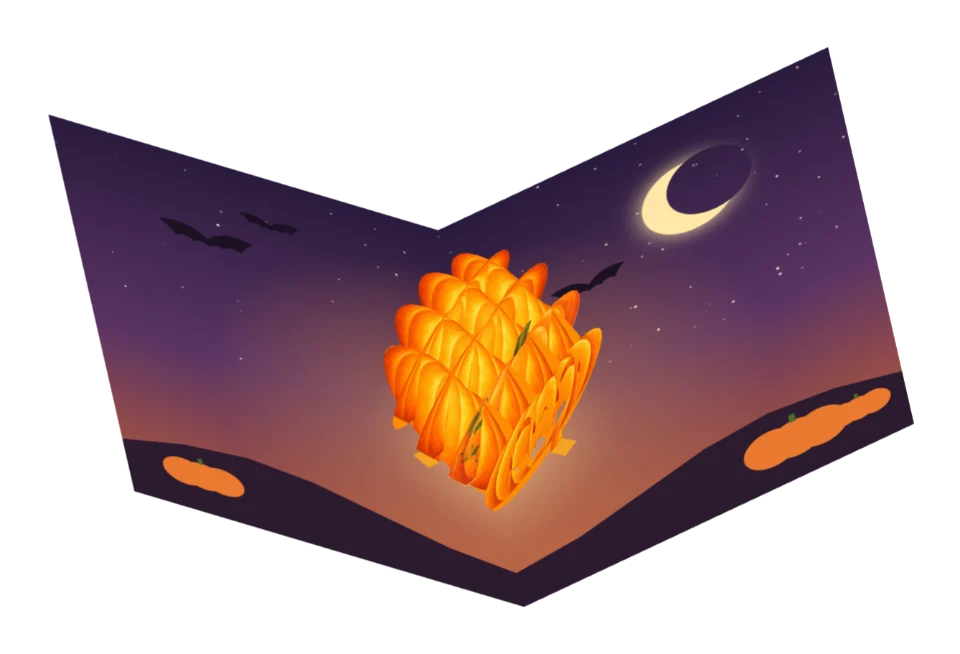
Two sets of slices cross-slot together. As the pages open, the lattice pulls from flat into squares and the pumpkin swells.
Pumpkin · tongue card Lollipop · sticker
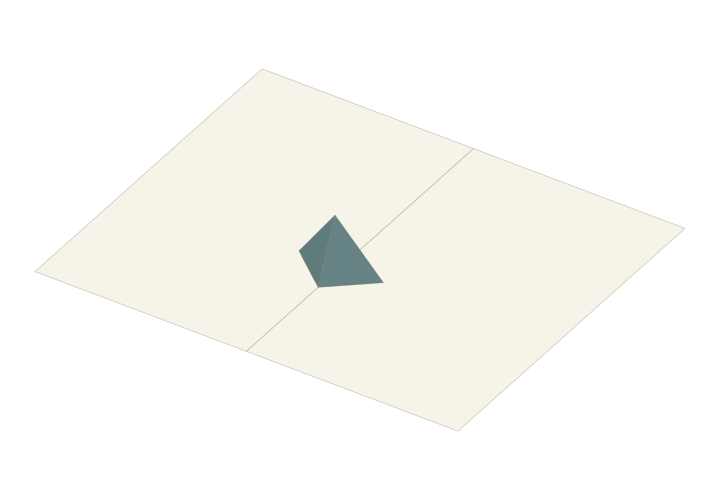 V-fold · basic component
 Ghost · tongue card
 Fox · stickerPumpkin lantern · mechanism
 Autumn leaves · sticker
 Black cat · tongue card
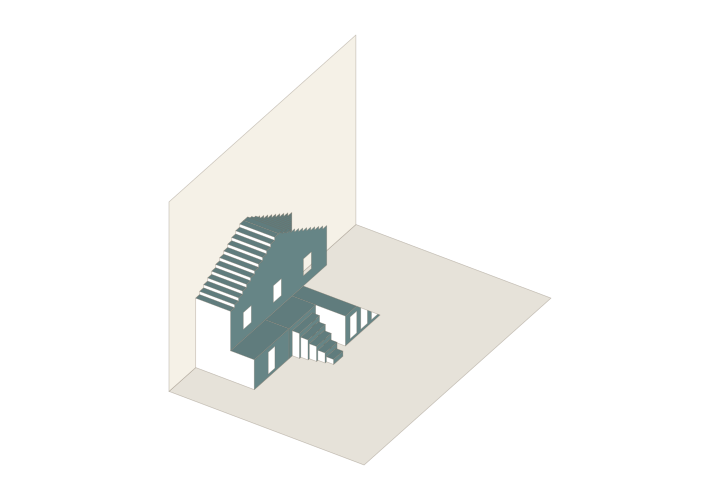 OA · gabled house with stairs
 Macarons · sticker
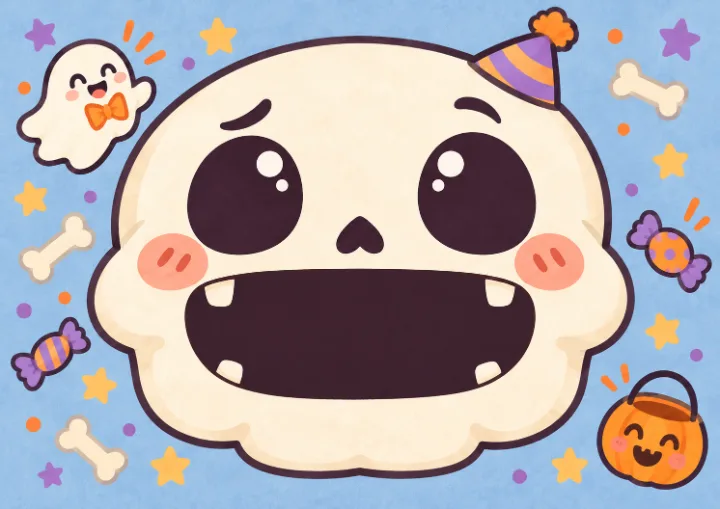 Skeleton · tongue card
 Phoenix · transparent artwork
 Gift · sticker
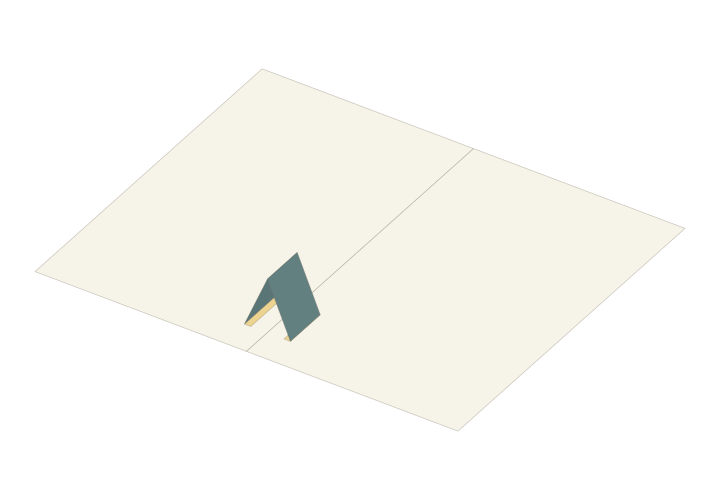 Tent fold · basic component
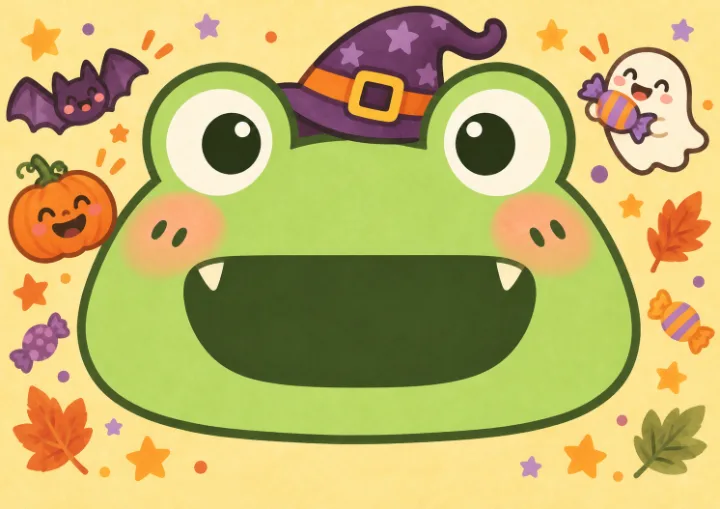 Halloween frog · tongue card
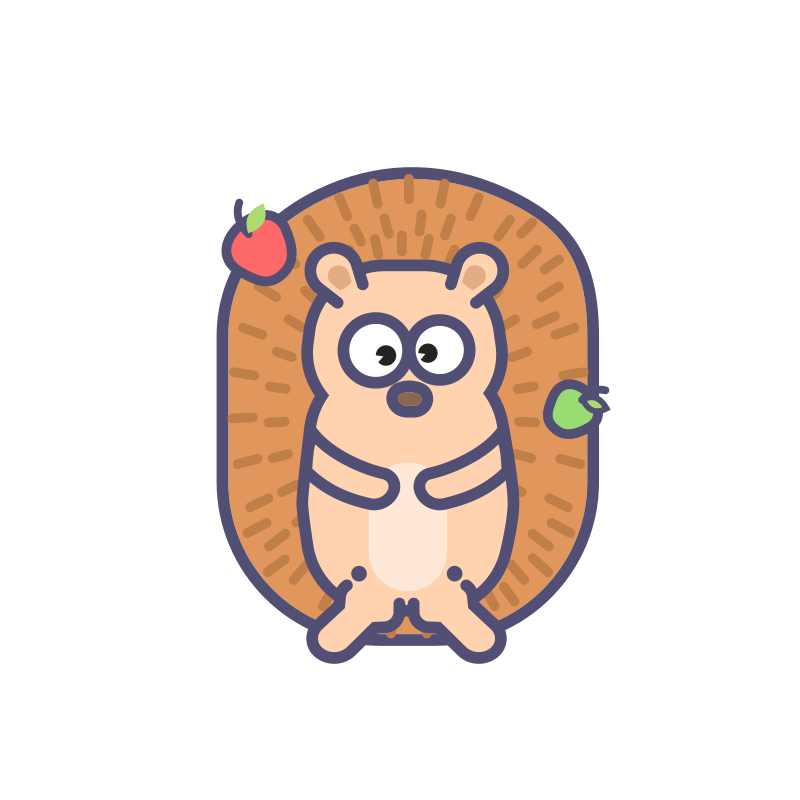 Hedgehog · sticker
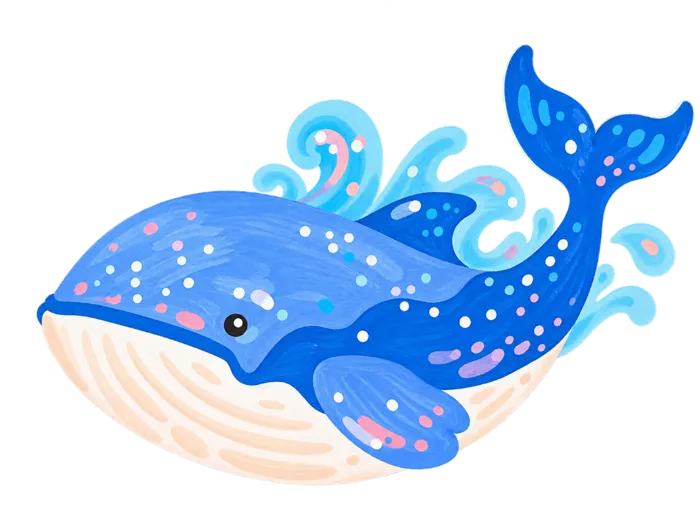 Whale · transparent artwork
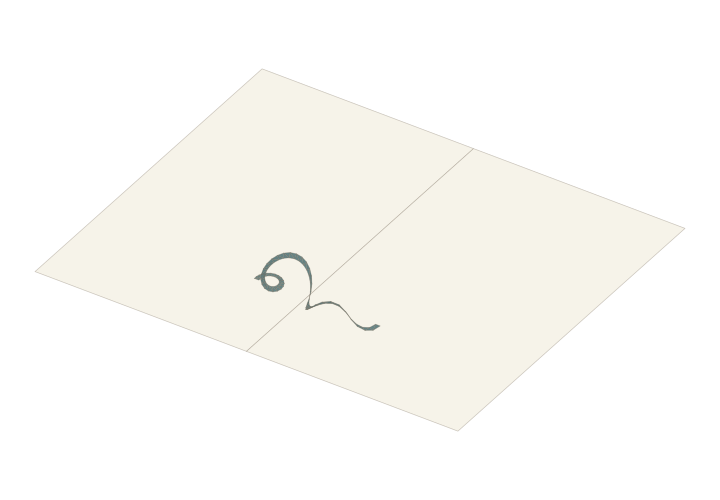 Spiral ribbon · basic component
 Donut · sticker
 Tent · transparent artwork
04 · ONLINE STUDIO · ARTWORK
Characters, stickers, transparent artwork and mechanism patterns live in the library. Drag onto the page, trim, align to creases, undo and save online, then export a printable PDF.
04 · ONLINE STUDIO · ARTWORKTap one to use it in the studio
05 · MAKE ALONG · 10 MIN
First time? Follow the starter tutorial from template to finished paper, one step at a time.
Start with the tools and materials guide and the right-angle V-fold lesson. Download its free A4 SVG, follow the demo to make a plain-paper sample, then gradually add your own artwork.
Yes. Uploading photos or illustrations, editing and previewing are free. Personalized making files need the appropriate export access, with a Creator Pass for imported-artwork projects. See Pricing for the full scope.
Check dimensions and paper size, and inspect closing, intermediate openings, full opening and closing again. Print a plain-paper sample at actual size and check creases, glue areas and closed-page fit before using your final materials.