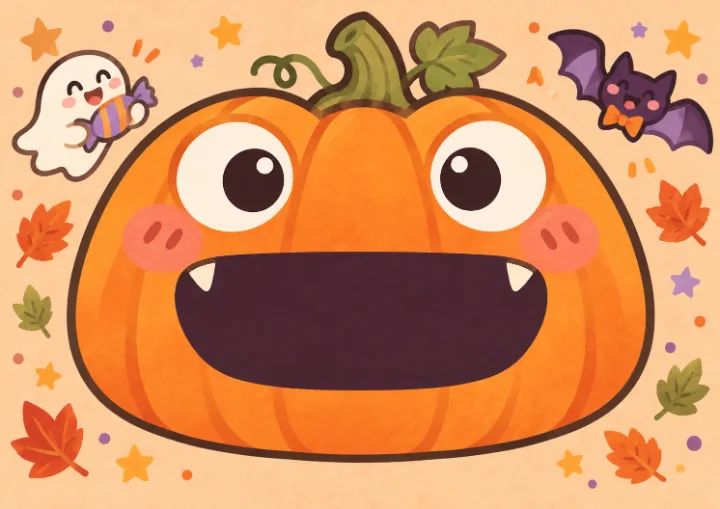
Pumpkin tongue card
A tongue pops out as you open the card. Replace the page artwork with a wide-mouth character and align the mouth and tongue.
Customize this card ↗
HALLOWEEN · PRINT & MAKE
Turn your photo into a Halloween character, place it in a pop-up scene and preview the opening in 3D. Download printable files with making access, then cut, fold and assemble your card at home.
Free to browse and preview. AI generation uses credits; personalized exports require separate access.
THREE MECHANISMS · FOUR STARTING DESIGNS
A tongue pops out as you open the card. Replace the page artwork with a wide-mouth character and align the mouth and tongue.
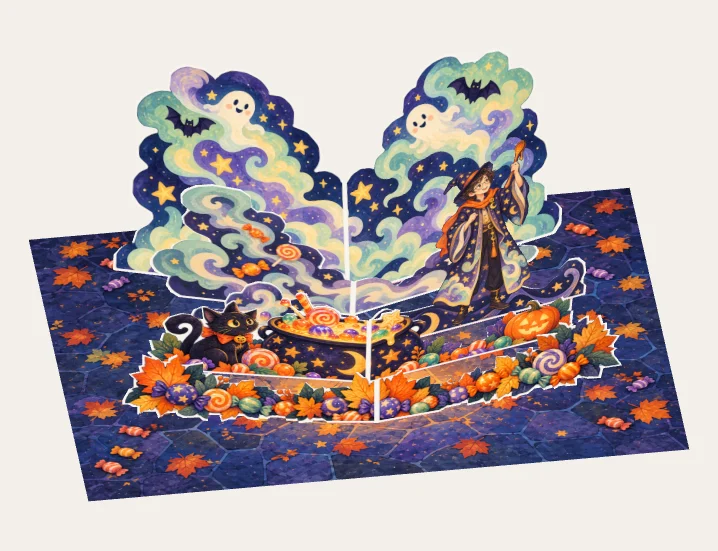
Customize this card ↗Five V-folds raise smoke, a character and a candy cauldron. Replace the standing portrait or change the base-page background separately.
Customize this card ↗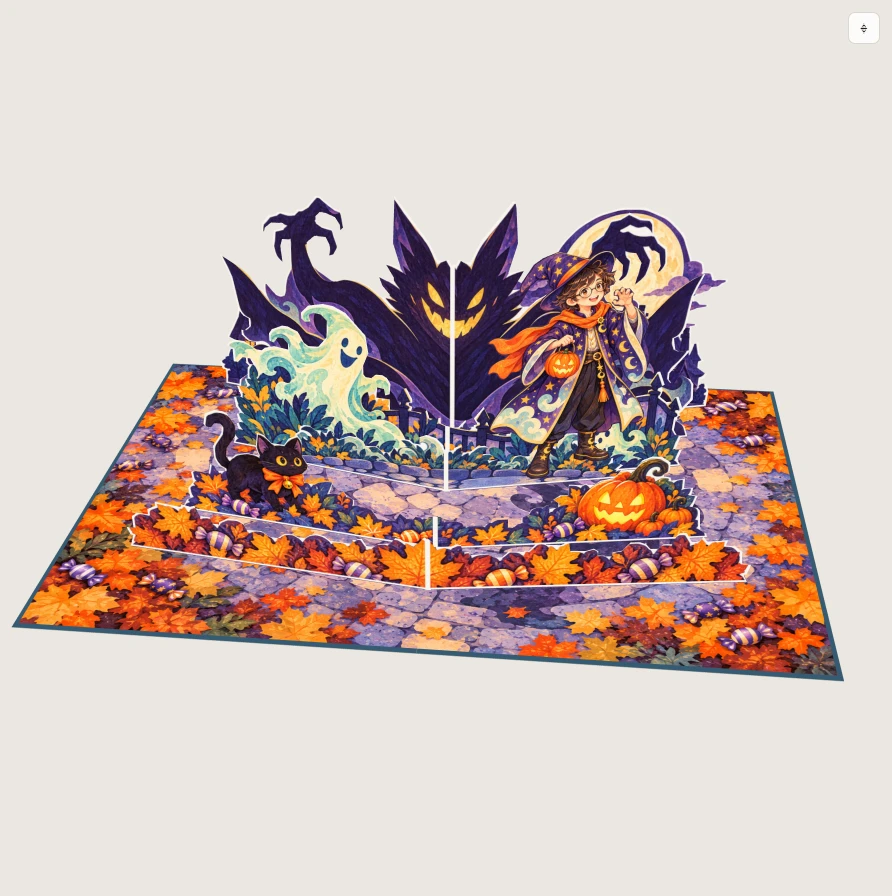
A giant shadow rises behind the character as a moonlit street unfolds. The portrait is a separate paper cutout you can personalize.
Customize this card ↗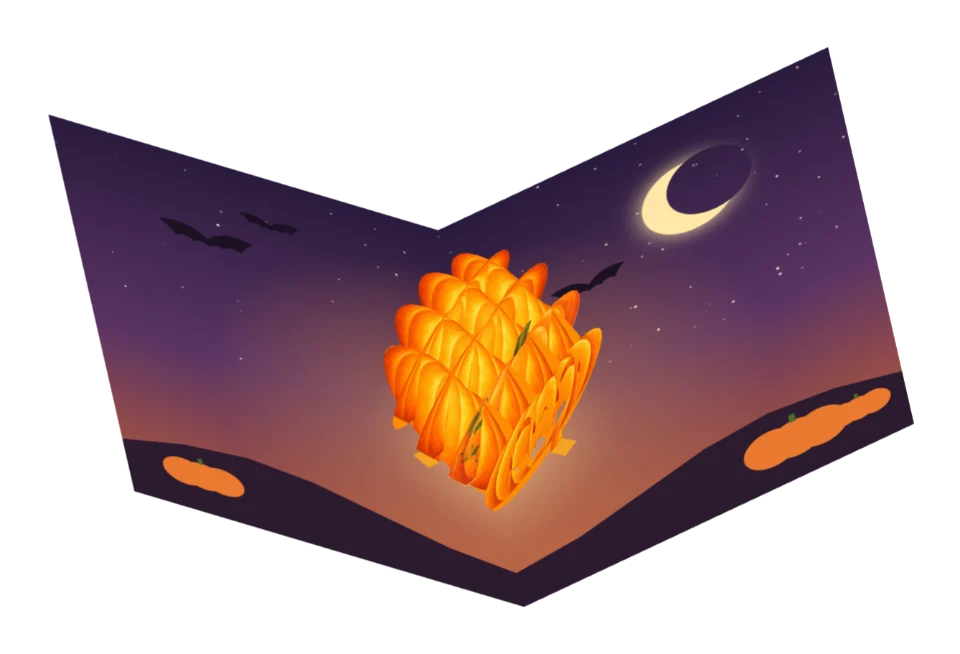
Two sets of slotted paper slices open into a pumpkin lantern. Customize the lantern holder and the page artwork.
Customize this card ↗YOUR PHOTO · YOUR CHARACTER
These digital examples show a tongue card before and after changing its artwork. In a V-fold scene, choose the portrait target to replace the standing cutout; choose the background target to change the base pages.
Try photo personalization ↗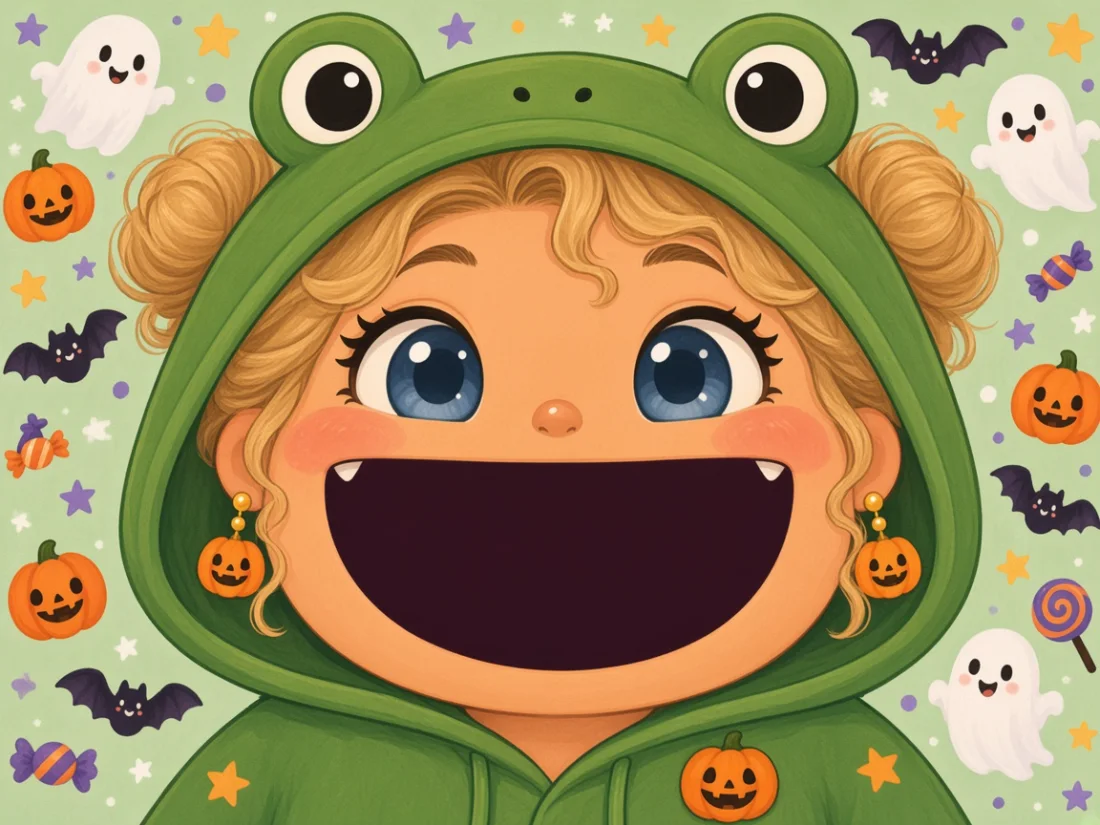
Start with an existing template, preview the result and decide whether to purchase making/export access.
Choose a tongue card, layered V-fold or slotted pumpkin lantern from the template selection. Open the template and preview its original motion before customizing.
Upload a photo you have permission to use, open AI design and check the generation target. V-fold portraits belong on the standing cutout; backgrounds belong on the base pages. Adjust size and placement to keep the artwork on its intended paper surface.
Switch to 3D preview, vary the opening angle and view the card from different sides. Check character placement, occlusion and structural warnings. Return to 2D to adjust, then save your project and a backup.
In Export, check making access, dimensions and structural warnings, then download the PDF or making package supported by the selected template. Use the specified paper and print at 100%. Check dimensions before cutting, pre-folding and assembling as shown. Stop and inspect if the mechanism resists.
The current service provides online tools and digital files. Print and assemble them yourself, and download project backups. Standalone offline software, physical cards and delivery are not currently offered.
PDF print/export is available in the studio. Cricut PNG and layered SVG packages are available for selected tongue-card templates; check the current template's export panel for supported formats and sizes.
$4.99 USD · one-time
1 Halloween card exports · 100 AI credits
View plan details ↗$8.99 USD · one-time
3 Halloween card exports · 200 AI credits
View plan details ↗$19.90 USD · one-time
3 Halloween card exports · 1,000 AI credits
Also includes personal custom exports for the lifetime of the service. See Pricing for scope.
View plan details ↗Each email-verified account receives 100 AI credits once. Character or background generation currently costs 20 credits; failed or blocked jobs are refunded. AI credits and making/export access are separate, with no automatic renewal or top-up. Uploading your own images, editing and previewing do not use AI credits.
The studio offers tongue cards, V-fold characters and a slotted pumpkin lantern. Choose the mechanism, use its available background, photo and sticker controls and inspect the 3D opening motion.
Read the Halloween pop-up card tutorial. Its layered V-fold case explains character mounting, smoke and foreground occlusion, with layer views and a separate practice copy. The studio here customizes the card you have selected.
Save the design, inspect the motion and check paper and parts in the print/export view. AI credits pay for image generation; card exports use separate access. Projects with imported artwork require a Creator Pass. Print the downloaded pattern at its stated scale and test the assembly.