
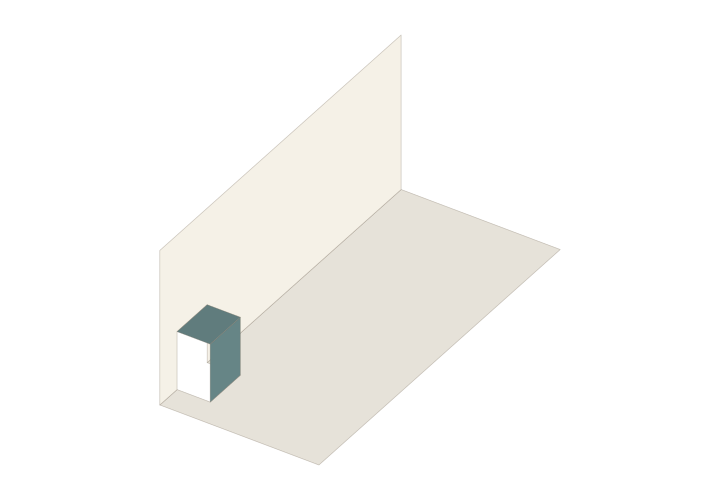
 90° · Actual structure preview
OA Single Step
Cuts and folds in one sheet form a horizontal tread and a vertical riser. The template opens to a 90-degree display position.
- Type
- Origamic architecture
- Starting point
- Single structure
- Page size
- Template default
- Display
- 90°
Create your own copy. The original template stays unchanged.
From structure to story
Start with the existing structure, add your artwork and check the opening motion. For a physical sample, prepare suitable paper, cutting tools and adhesive as required by the pattern.
Questions you may have
Why does the OA single step use a 90° display?
Cuts and folds in one sheet form a horizontal tread and vertical riser, displayed with the pages at a right angle. Inspect closing as well; the display angle is separate from an angle in the paper pattern.
How do I start editing OA Single Step?
Use the template entry to create your own copy, preserve the starting structure and edit artwork or dimensions incrementally. Check the full motion after each change and make a plain-paper sample before the final build.