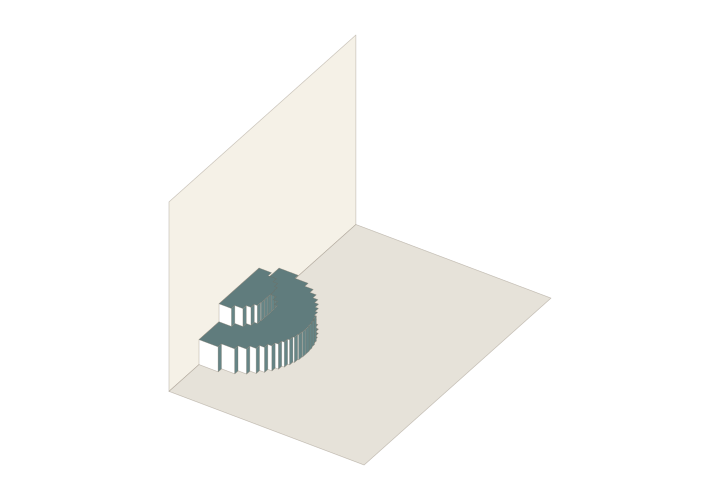
 90° · Actual structure preview
OA Two-level Curved Stage
An experimental continuous-paper stage with upper and lower levels and segmented curved facades. Adjust its height and depth.
- Type
- Origamic architecture
- Starting point
- Experimental
- Page size
- Template default
- Display
- 90°
Create your own copy. The original template stays unchanged.
From structure to story
Start with the existing structure, add your artwork and check the opening motion. For a physical sample, prepare suitable paper, cutting tools and adhesive as required by the pattern.
A little help to start
V-Fold Pop-Up Card Tutorial: Right-Angle Fold with a Printable Pattern →How to Print, Cut and Assemble Pop-Up Patterns →Questions you may have
What should I check after resizing the two-level stage?
Height and depth affect the relationship between both levels and the curved facades. Recheck connections, intermediate motion and closed-page fit after changes. This is still an experimental model.
How do I start editing OA Two-level Curved Stage?
Use the template entry to create your own copy, preserve the starting structure and edit artwork or dimensions incrementally. Check the full motion after each change and make a plain-paper sample before the final build.