
Pop-up templates and paper mechanisms
Choose a complete scene, study one basic fold or use a designer to prepare your own artwork. Preview the structure, then open it in the workbench.
29 items
 Basic element
Sliding pull tab↗
One horizontal slit, two paper guide loops and stops at both ends of the pull strip.
 Basic element
Pivoting pull tab↗
A solid rocker, loose paper sleeve and four-lobed paper axle.
 Basic element
Direction-changing flap↗
A complete A–B–C paper connection carries horizontal pull motion to an angled display. Fits an A3 book page.
 Basic element
Pull-tab deformation↗
Choose a curved surface, folded ridge, platform prototype or paired motion. Push the tab back before closing the book.
 Basic element
Dimensional flap↗
Push and pull a paper strip to lift the display face.
 Basic element
Book-driven pull tab↗
Opening the book drives the paper strip without a manual pull.
 Basic element
Book-driven rotation↗
A pull strip transfers the book opening motion to a planar rocker.
 Basic element
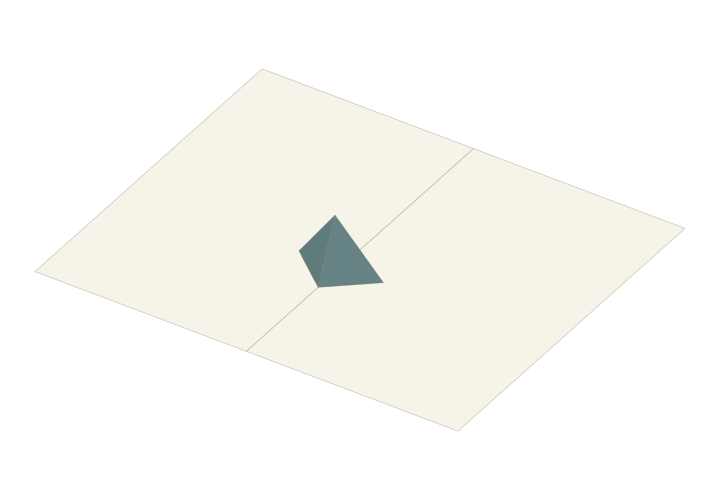
Symmetric V-fold↗
Two symmetric wings lift as the book opens. Mount the support on a page and attach further paper faces in the workbench.
 Basic element
Asymmetric V-fold↗
Linked mounting and panel angles with independently adjustable wing sizes.
 Basic element
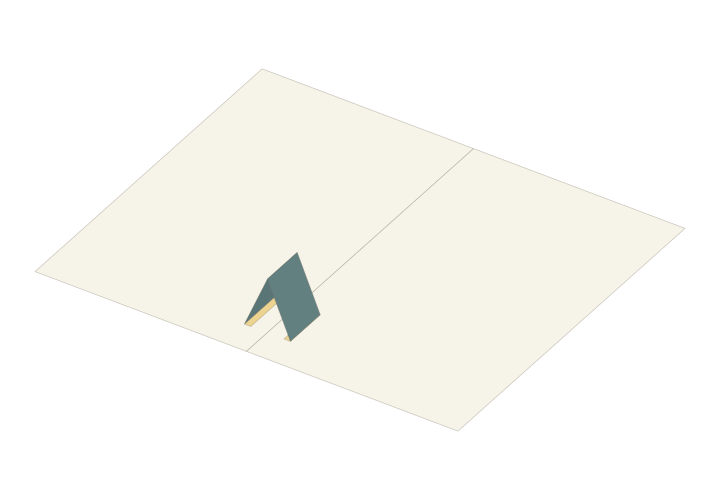
180-degree Tent Fold↗
A symmetric paper support rises above the spine as the book opens flat. Use it as a starting point for a roof or ridge.
 Basic element
Asymmetric tent P-fold↗
Adjust the two mounting distances independently; panel lengths follow the closing constraint.
 Basic element
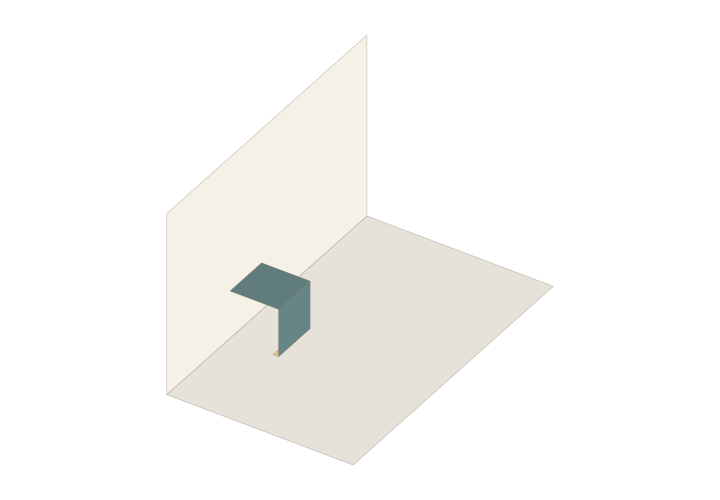
90-degree Parallel Fold↗
A parallel paper structure stands at a 90-degree page opening and lies down as the pages open to 180 degrees.
 Basic element
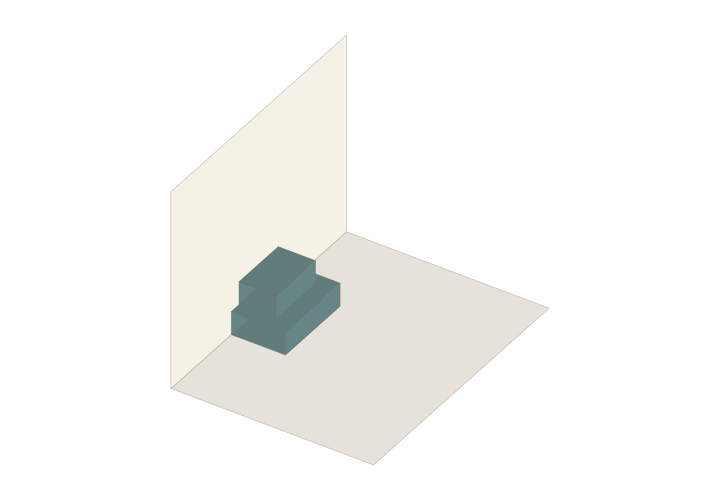
Stacked parallel steps↗
Preview placement on a support face and connect the back automatically. Stack, rotate and adjust the height of each level.
 Basic element
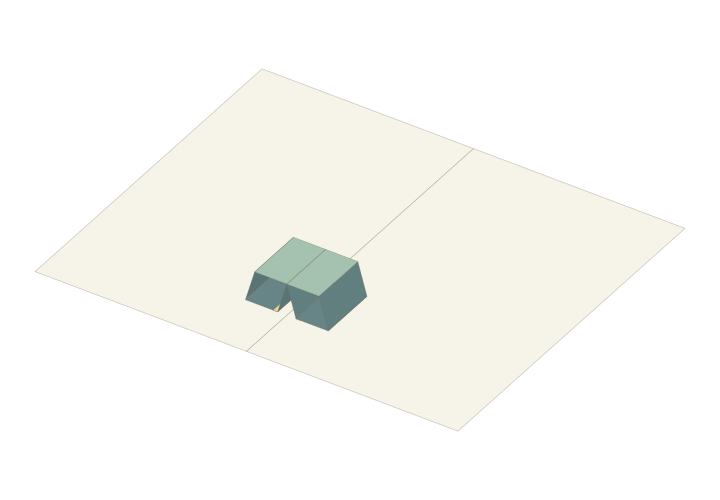
Symmetric Twin-tube Fold↗
Two closed tube walls form a folding top surface. Adjust the width, length, height and mounting position in the workbench.
 Basic element
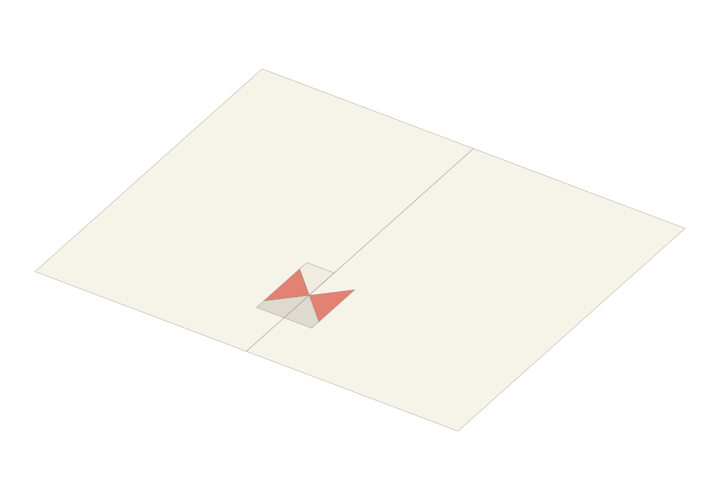
One-piece Inward Fold · Experimental↗
An experimental one-sheet structure with inward-folding upper and lower centre creases that flatten as it opens.
 Basic element
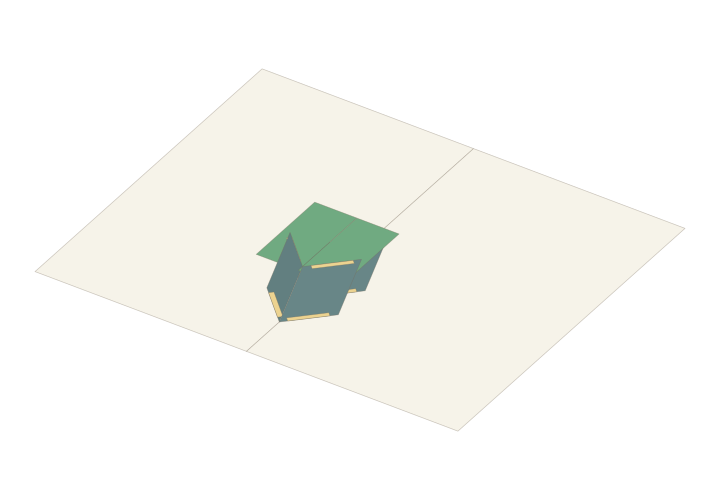
Parallelogram V-fold Platform↗
Several parallelogram wings support an upper paper platform. Explore the connected folds and their opening motion.
 Basic element
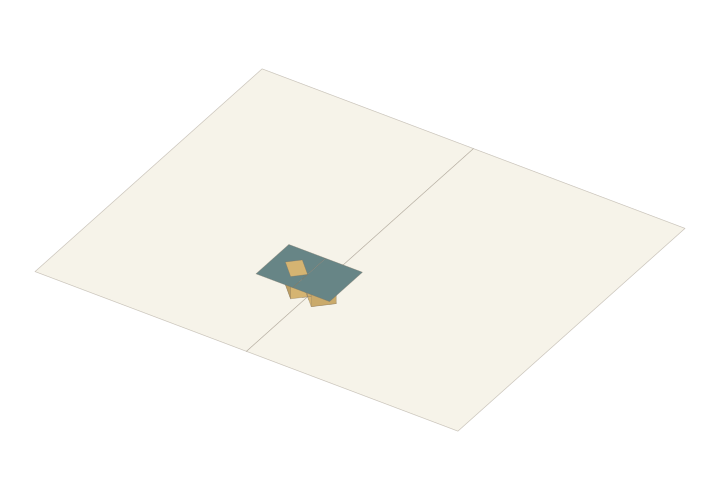
Twin-tube Pop-up Support↗
Two closed side supports raise an upper paper surface as the book opens. Place the assembly on a book page.
 Basic element
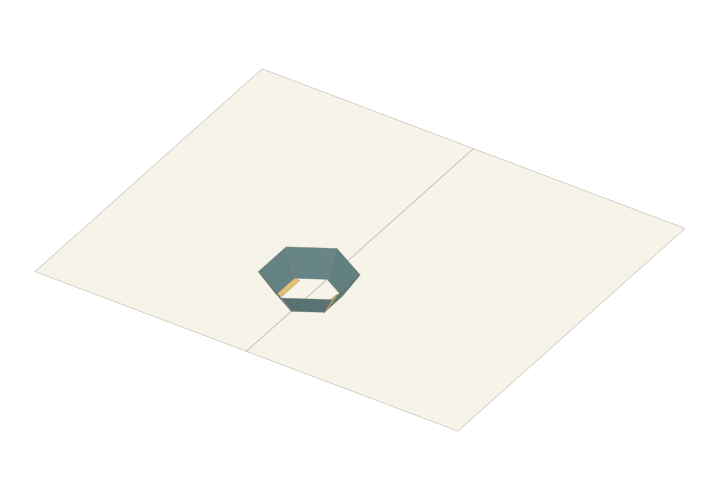
Symmetric Flared Ring↗
A four-sided or six-sided folding ring with adjustable top and bottom openings, length and height.
 Basic element
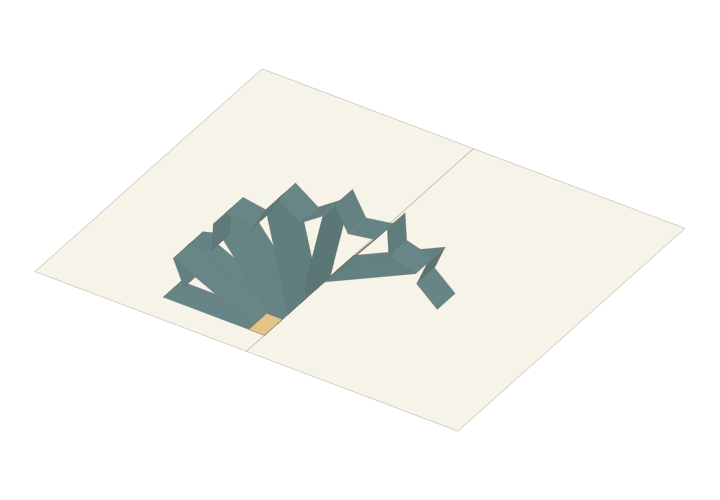
Continuous Wave Rings · Experimental↗
Experimental closed paper bands connect with offset joints. Adjust the number and size of rings and their display cards.
 Basic element
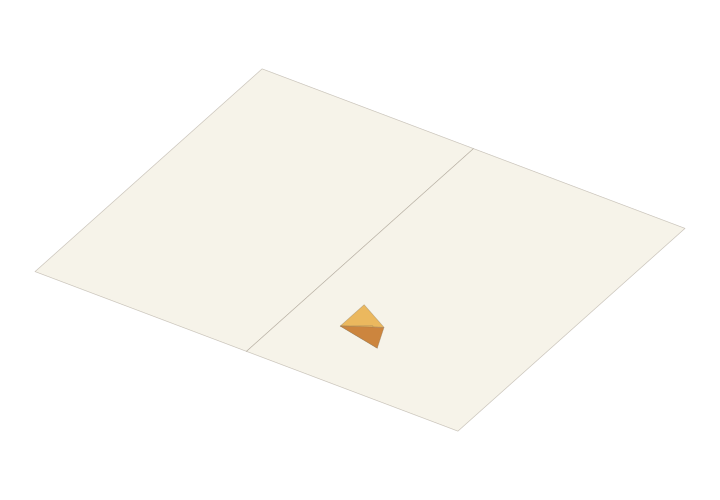
Angle-converting Connector↗
A three-crease connector passes motion from an input paper face to an output face with a different orientation.
 Basic element
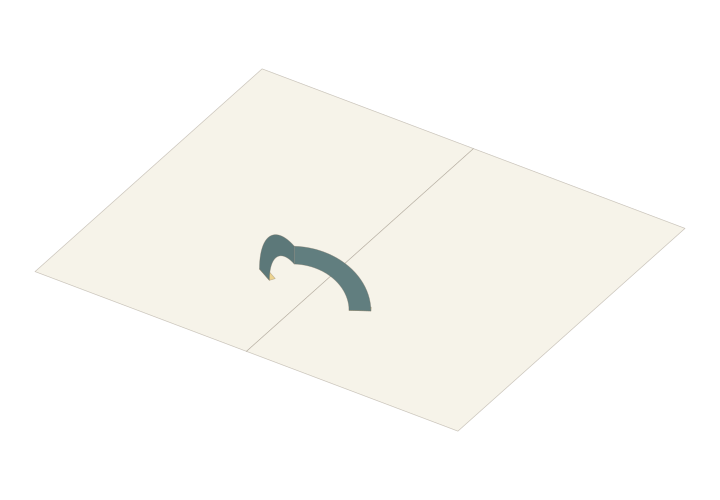
Semicircular Ring V-fold↗
A hollow semicircular paper band with end tabs that follow the opening and closing motion of the book pages.
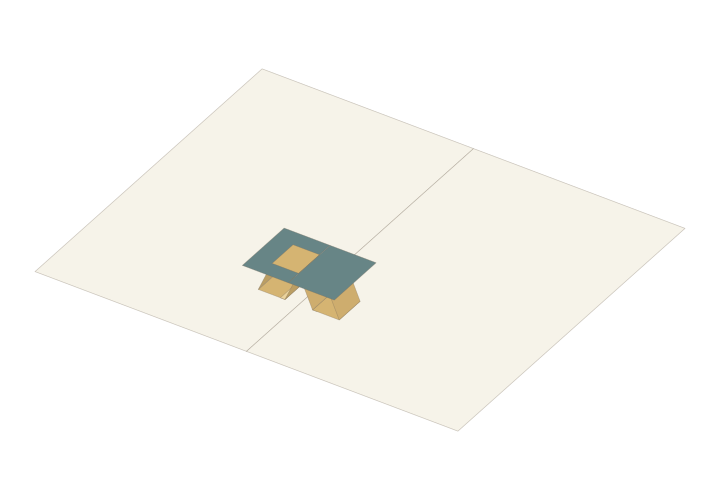 Basic element
Fixed Suspension Platform↗
A twin-tube tent connection supports a raised display platform. Inspect its mounting and folding motion in the workbench.
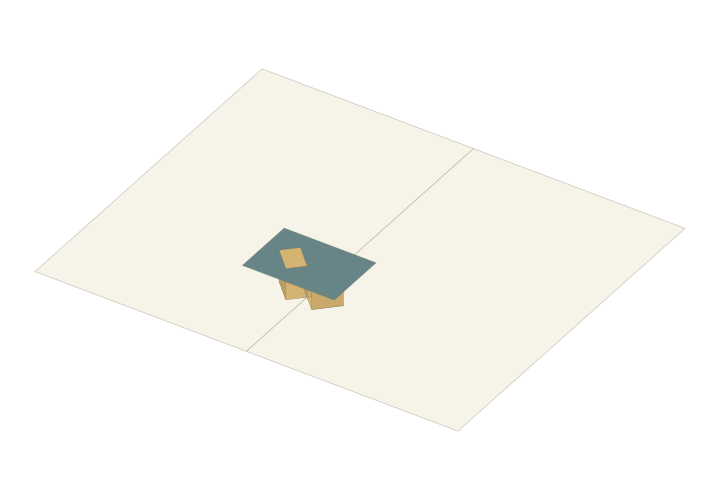 Basic element
Lengthwise Suspension Platform↗
A twin-tube right-angle V connection lets the platform move lengthwise along the book spine.
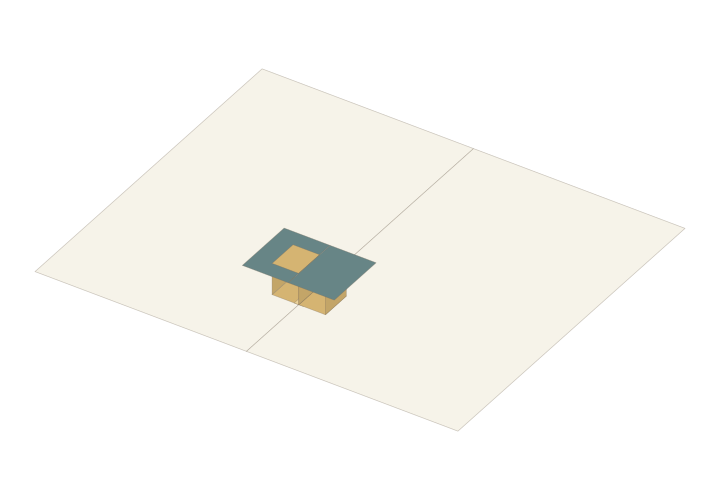 Basic element
Sideways Suspension Platform↗
A shared-wall twin-tube connection allows manual sideways movement. Inspect the assembly's remaining freedom of motion.
 Basic element
Parallel V-fold Rotator↗
Four mounting patches connect a display sheet that rotates as the book opens. Explore the paper faces and their connections.
 Basic element
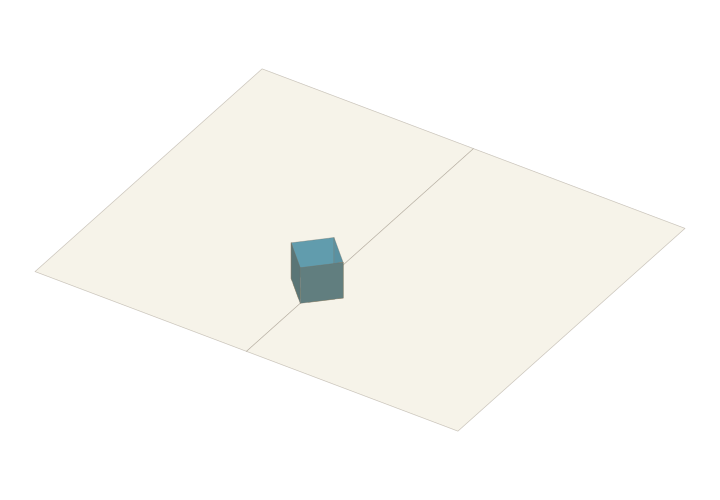
Parallelogram Frame↗
A four-sided closed paper frame with options for a one-piece pattern and folded triangular covers.
 Basic element
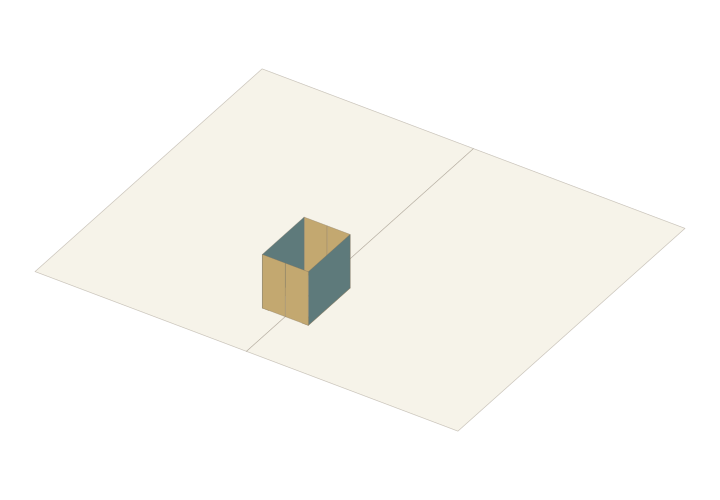
Folding Open Box↗
A six-face paper enclosure with storage creases. Place it in the workbench to inspect how its walls fold.
 Basic element
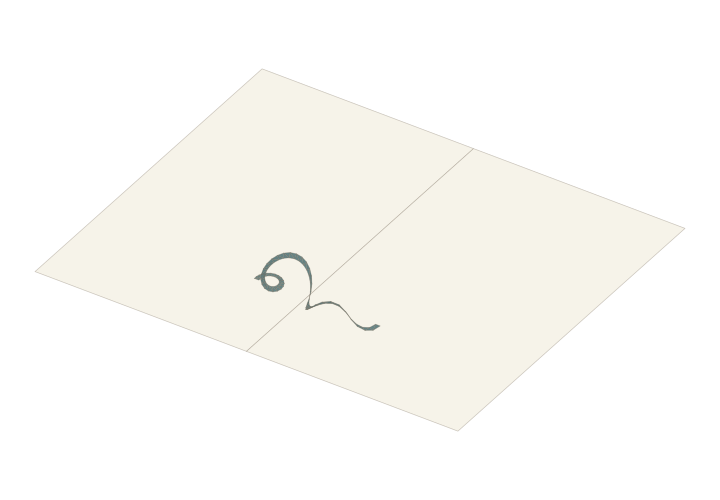
Circular Flexible Spiral↗
A curved paper ribbon forms a spatial spiral, with both ends following the opening motion of the book pages.
 Basic element
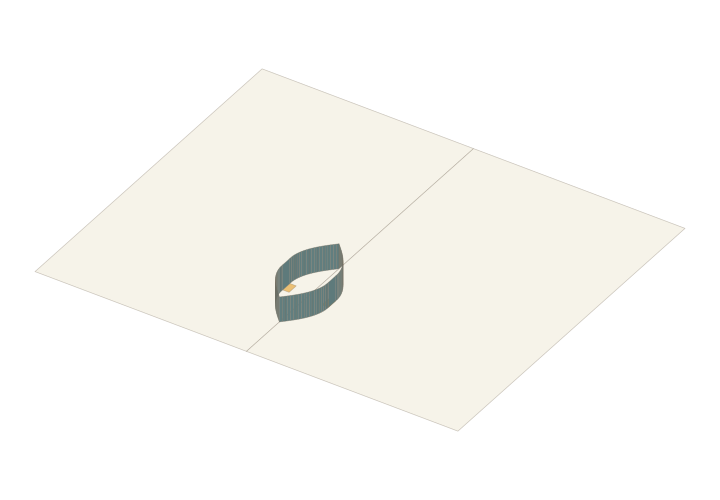
Flexible Boat-shaped Band · Experimental↗
An experimental continuous curved paper band. Inspect its boat-shaped form and opening motion before making a physical sample.
Questions you may have
Should I choose a scene, basic element or designer?
Choose a complete scene to reuse a composition and change its artwork, a basic element to study one mechanism, or the matching designer to import artwork, define contours or configure a structure. Each detail page describes its type and starting pose.
What do the 90° and 180° template labels mean?
They describe the template's default page-opening position, not an angle inside the paper pattern. A 90° parallel structure may lie down when the pages open flat. Check closed and intermediate states in the workbench as well.
Is a template detail page a ready-to-print file?
Detail pages introduce editable structures or designers. Open the matching project, check dimensions, layout and export access, then use its available export options. Separate tutorial practice files state their format and printing requirements in the lesson.